






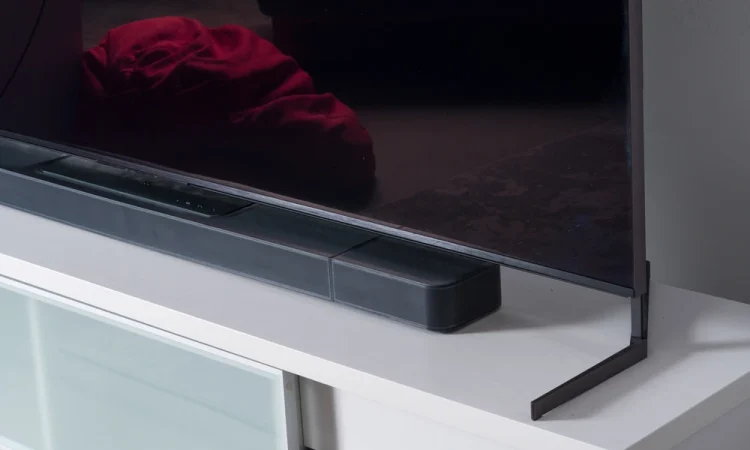
Soundbars are marketed as simple and are among the more confusing devices to connect correctly, because getting sound out of one involves settings on two devices that must agree. A large share of reported soundbar faults are configuration mismatches.
This guide covers how the connection actually works and the settings that cause most problems.
Port labelling and supported audio formats differ between model years, so check the Sony soundbar manuals for both the bar and the television.
The connection options, in order of preference
eARC
The enhanced return channel carries full-bandwidth audio, including uncompressed and object-based formats. Both the television and the soundbar must support it, and it must be enabled in the television’s settings. Use the HDMI port labelled eARC – usually only one port supports it.
ARC
The older return channel. Widely supported and sufficient for compressed surround formats, but limited in bandwidth, which is why some formats will not pass. Again, only one HDMI port on the television supports it.
Optical
Reliable and simple, and bandwidth-limited in the same way as ARC. It also carries no control signalling, so the television remote will not adjust soundbar volume.
HDMI passthrough
Source devices connect to the soundbar, which connects onward to the television. This gives the soundbar the audio directly and avoids return-channel limitations entirely. It is the best option for full-bandwidth formats where available.
No sound at all
Work through these in order:
Confirm the HDMI cable is in the port labelled ARC or eARC on the television. Any other port will not work.
Check the television audio output setting. It must be set to the external device or HDMI output, not the internal speakers.
Enable the television’s HDMI control feature. Manufacturers use different names for it, and it must be on for ARC to function.
Check the soundbar input selection. Soundbars have multiple inputs and default to the wrong one constantly.
Try a different HDMI cable rated for the bandwidth you need.
Power cycle both devices fully – unplug for a minute, then power the television first and the soundbar second.
Sound cuts out intermittently
A marginal HDMI cable. This is the most common cause and the cheapest to eliminate.
A format mismatch, where the television sends a stream the soundbar cannot decode. Setting the television’s audio output to a compressed format such as Dolby Digital, or to PCM, resolves this.
Control signalling conflicts between multiple connected devices.
A firmware version mismatch. Check both devices for updates.
Only stereo, no surround
The television’s audio output is set to PCM, which is two-channel over ARC. Switch to bitstream or pass-through to get surround.
The source content is stereo. Check what the material actually contains.
Streaming apps built into the television may output a limited format. Using an external streaming device connected to the soundbar often gives better results.
ARC rather than eARC is in use, and the format requires the higher bandwidth.
Lip sync problems
Audio arriving ahead of or behind the picture is a processing delay issue, not a fault. Both the television and the soundbar usually have an audio delay adjustment. Adjust one of them, not both, and use content with clear speech to judge.
Subwoofer re-pairing procedures are documented per product, and ManualMachine user manuals cover most recent systems.
Volume control problems
If the television remote does not control soundbar volume, the HDMI control feature is not enabled on one of the devices, or the connection is optical, which carries no control signalling.
Subwoofer and rear speakers
Wireless subwoofers pair automatically but can lose pairing after a power cut. There is a re-pairing procedure, usually a button on the subwoofer.
Position matters more than settings. A subwoofer in a corner sounds boomy; moving it a short distance often transforms it.
Wireless rear speakers need to pair to the soundbar, not to the television.
Check for interference from a congested wireless environment if rears drop out.
Frequently asked questions
Do I need an expensive HDMI cable?
No, but you need one rated for the bandwidth. For eARC and high-resolution video, check the cable’s certification rating rather than its price.
Should I use ARC or connect sources to the soundbar?
Connecting sources to the soundbar avoids return-channel limits and is generally better if you have enough ports.
Why does the soundbar turn itself on?
HDMI control signalling. That is the feature working as intended – it can be disabled if unwanted.
Note: port labelling, menu names and supported audio formats differ between models and model years. Check the documentation for both your television and your soundbar.

Fixed Deposit: A Safe and Reliable Investment Option for Steady Returns


A Fixed Deposit is one of the most trusted investment options for individuals seeking stable and guaranteed returns. Whether you...

Overcoming the Challenge of Saving While in Debt
Being in debt can be overwhelming and daunting, especially when you try to save money at the same time. However,...

Retirement Savings: Traditional IRA vs. Roth IRA
When it comes to planning for retirement, there are a variety of options available. Two of the most common types...

Effective Strategies for Boosting Your Emergency Savings
Emergency savings are essential for every individual or family. No matter how much you earn, unexpected expenses can arise at...